CRM System
Leads fall through the cracks when follow-up timing is manual
Manual follow-up tracking doesn't work at scale. Leads need contact at specific intervals to stay warm, but remembering who needs outreach when is impossible beyond a handful of people. Conversation history gets scattered across notes, emails, and memory. Without automated reminders, promising opportunities go cold simply because the timing slipped. The gap between knowing you should follow up and actually doing it consistently costs revenue.
About this tool
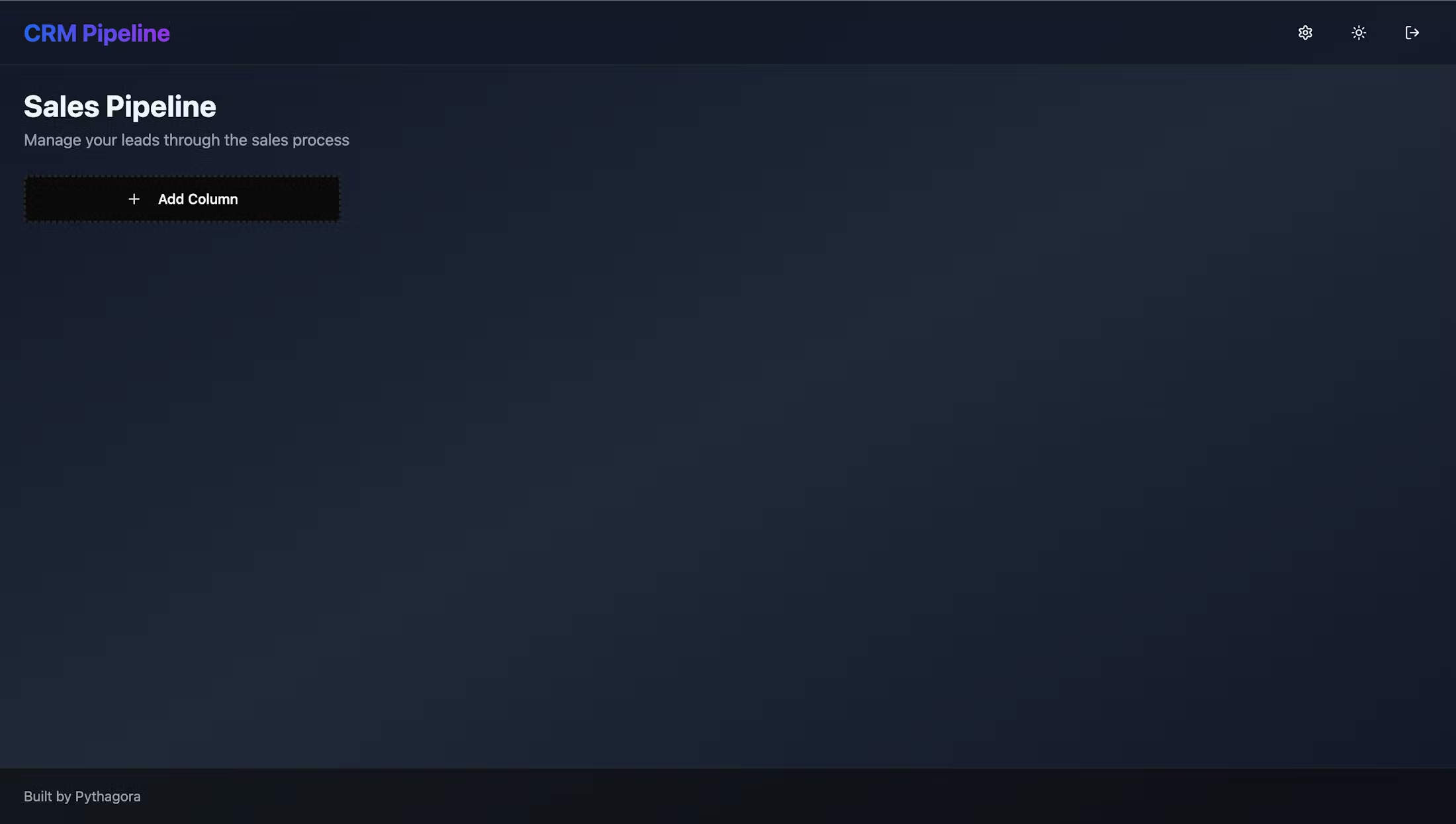
This pipeline manager organizes leads as cards across columns you customize. Each card stores conversation history with Fireflies meeting links and your notes. Set follow-up reminders that default to three days after your last talk. Miss the window and you get an email nudge. Color-coded labels show priority. Drag cards through your sales stages as deals progress.
Kanban-style pipeline with custom columns, lead cards with conversation history, Fireflies integration for automatic meeting pulls, customizable follow-up reminders, email notifications via Postmark when follow-ups are due, color-coded label system, drag-and-drop card movement, and settings for label management.
Hot leads don't go cold from missed follow-ups. Email reminders keep you on schedule without manual tracking. All conversation history stays with each lead. Fireflies meetings show up automatically. Follow-up happens because the system tells you when, not because you remembered.
Prompts used to build this app
I want to create a CRM application that is a very simple app. I want for a user to manage their own CRM pipeline, add any number of columns. It should be like a Kanban board and in it I should be able to add cards. Each card should be a new lead. When I open the card I want to have a title, description, and in each card I want to be able to add any number of conversations that I had with the lead. And when I add a conversation I should be able to add a link to Fireflies and some notes on my end. And whenever I add that I want to be able to set a reminder. The default reminder should be in three days from the day that I talked. If I don't add any new conversation with that lead into the CRM after those three days I should get an email notification to ping that user, that lead. I should be able to name the columns and I want to be able to color code each card with a label, just like in Trello.
I want to be able to connect to Firefly's API and automatically pull, whenever I load the product, I want to pull all the meetings from that specific lead from Firefly so that I can automatically add them. And I don't want to have an input field for Firefly's link when I add a new conversation. And I also, next to each Firefly's link, it should be looked at as a meeting, and I want to be able to add notes to it.
I want to have a settings page where I can create new labels, delete, and basically manage the labels. Also, when I drag and drop the cards, they look as if they are moving behind the next columns, and I can only, whenever I drag it to the previous column, it looks as if it's going above it, but all the future next ones are above the card while I'm dragging it. And also, when I start dragging the card, it jumps to the bottom right, and it doesn't look as if I'm dragging it with my mouse, but it's like offset, you know, 100 pixels to the right and to the bottom.
The problem with dragging and dropping cards is still here. So whenever I click on a card and start dragging it, it offsets. And in the first column, it offsets a little bit. In the second one, it offsets slightly double. In the third one, it offsets three times. And in the fourth one, it offsets even more. So there is some issue when I start dragging the card. The offset is wrong. There shouldn't be any offset. It should be connected to the cursor.
Please implement the setting of reminders and getting a reminder or email. Make sure to implement the Gmail integration and there you need to monitor when was the last time when I got an email from the lead. So when I set the reminder for three days from now, if I got an email during those three days from that user, don't send me a reminder. But if I haven't, please send me a reminder on the email reminding me to thank this lead.
I want to test if Gmail integration works, so can you please add a field on the lead card. When was the last time when this lead sent me an email? And also in the settings, please add a button that I can click and test if the sending of email works, and so that I can see how it will look like when I get a notification about the lead not responding.
Don’t Miss Out


