Timed Email Campaign Tool
Manual campaign enrollment misses timing windows and creates bottlenecks
Users sign up but getting them into the right email campaigns requires manual work. Someone has to check who signed up, match them to segments, and add them to campaigns at the right time post-signup.
About this tool
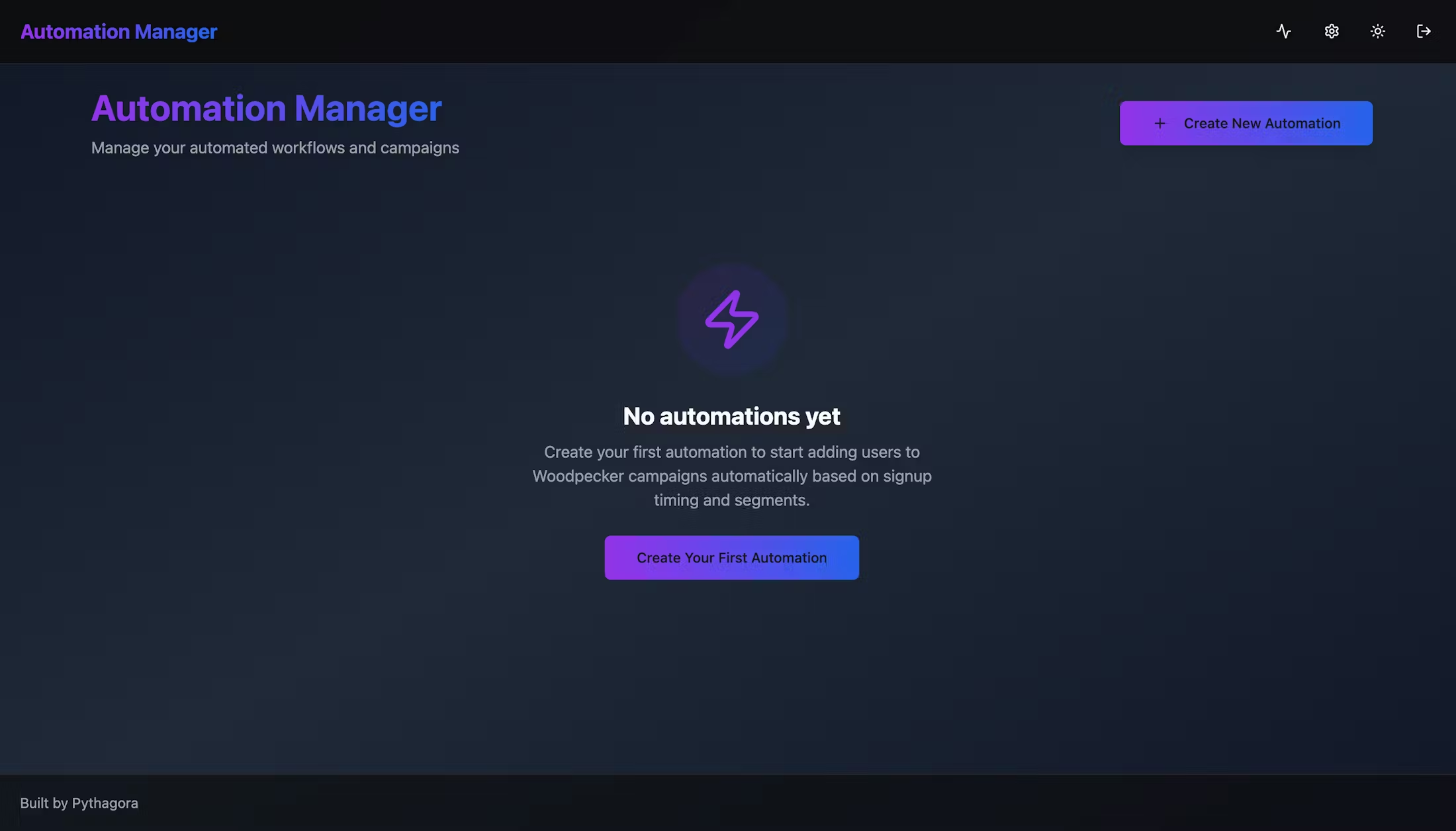
This tool platform monitors your MongoDB database and triggers campaign enrollment based on rules you define. Set frequency (hourly, daily, weekly), timing after signup, and segment filters. At each interval, it checks for matching users and adds them to specified Woodpecker campaigns automatically.
Automation creation with frequency triggers (minute, hour, day, week), timing windows after user signup, segment filtering (use case, category, alternative), Woodpecker campaign integration, external MongoDB connection for user monitoring, automated user-to-campaign enrollment, configurable time deltas for matching windows, and turn-on/off controls per automation.
Campaign enrollment happens at exactly the right time without manual work. Users get added hours after signup, not days later. Segment-based targeting runs automatically instead of through spreadsheet exports. Nobody manually checks who signed up and which campaign they need.
Prompts used to build this app
I want to create an app that will enable me to manage automations. Each automation I should be able to create and delete them and edit them and turn them on and off. Whenever I create automation, I want to set a time, frequency of a trigger. That means how often this automation will be triggered. It can be once every minute, every second, every hour, every day, or every week. I should also be able to set specific date and time. If I, for example, choose every week, I should be able to set at what time during the week and what day should it be triggered. Then for each automation, I should be able to set a Woodpecker campaign ID. Actually, get all the campaigns from Woodpecker, and I want to be able to select them from a dropdown. Then I should select the time after the user signed up that I want to trigger this. This can be either in hours or days. I want to filter users by segment data. That is a field in the users collection called segment data, and it has an object. Inside that object, there are three parameters: use case, category, and alternative. I want you to get all the possible values for each of these segment data fields and show them in a dropdown if I want to filter users that signed up by the segment data. Once I set up this automation and turn it on, it should run in every frequency of the trigger. It should get all the users that signed up the amount of time after I set it. For example, if I set it after two hours, two hours after sign up, and frequency of the trigger is one hour, then I want you to get all the users that created their account two hours before, but also add some kind of margin, left and right. For example, that might be one hour before, one hour after. If I set it for every day, use one day before and one day after. For the connections, you will be connecting to my Mongo database. I will provide a MongoDB URL, but keep in mind that you should have your own Mongo database for storing all this data. This will be external database that I'll provide just read-only access that you'll connect to. You should just monitor it, make a request every automation frequency, and just check if anything happened. Once you find any users, add them to a specific Woodpecker campaign. And that's pretty much it.
Please implement the backend for the settings page - the connection to the external MongoDB and the integration with Woodpecker. Make sure that TEST CONNECTION works and add dropdowns below each section with segment data dropdowns that are pulled and saved into our local database and with Woodpecker campaigns.
MongoDB connection seems to work but it fetches 0 segment data which is incorrect (you should look into the users collection into segmentData field which is an object with keys useCase, category, and alternative). Woodpecker Connection test returns 401 - please fix. Mongo seems to be working great. Please add dropdowns with each segment data on the settings page so that I can see what was fetched. Also, Woodpecker integration still doesn't work - it throws an error.
Mongo connection works perfectly but Woodpecker still throws the error. Please fix. I can see that when I enter the correct key, I get 400 and when I add a random API key, I get 401. Maybe check how you fetch the campaigns. Here is what ChatGPT says:curl --request GET --url "https://api.woodpecker.co/rest/v1/campaign_list" --header "x-api-key: YOUR_API_KEY" --header "Content-Type: application/json"
Implement the entire automation management and the automations themselves. When I choose a campaign while creating a new automation, it doesn't get selected in the dropdown and it always tells me: Campaign is required. Also, whenever I choose the TIME UNIT, it always tells me: Time unit is required. Whenever I choose the period DAILY, even if I choose the time of the day, I get this error: timeOfDay is required for daily frequency.
Ok, this works now and I can see that the automation is being triggered but it tells me Failed to fetch users: External MongoDB URL not configured even though I have it connected in my settings. I cannot pause the automation on the toggle - I get an error: api.patch is not a function. Also, the automations seem to work but the number of users that are fetched from the database is incorrect. It says 1 but it should be hundreds.
Fetching the users still doesn't work properly. Please make sure that the logic for getting the users that signed up in the TIMING period works properly. Also, add the delta around which you will get the users around on the Automation creation page so that I can choose that as well and make sure it works properly.
Don’t Miss Out


