Multi-Source Data Dashboard
User data scattered across systems has no single view
User data exists across disconnected systems. Database records sit in MongoDB while files live in S3. No unified search works across both sources. Answering questions about a user requires checking multiple interfaces manually. Building a consolidated view takes weeks of development work. Data fragmentation slows down every operation that needs complete user context.
About this tool
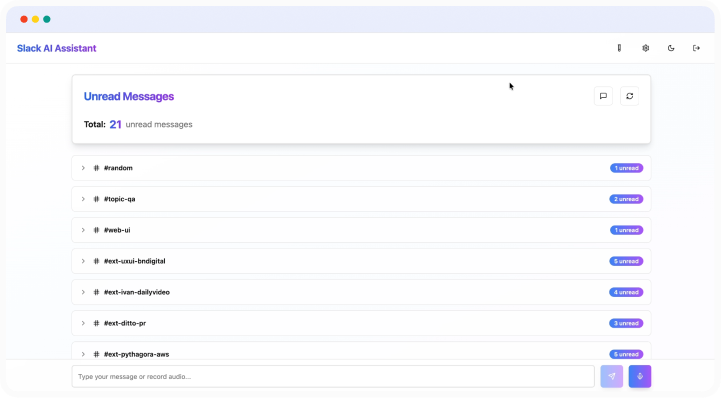
This dashboard consolidates data from MongoDB and AWS S3 into one interface. Search for users by name or email to pull their complete profile. The system displays database records in collapsible sections and shows all S3 files associated with that user. Uses two separate MongoDB connections: one for authentication, another for user data access.
MongoDB connection with external database support, AWS S3 integration for file access, user search by name and email, collapsible data sections, direct file downloads from S3, dual database architecture (auth and data), and organized data display.
Teams see complete user profiles without switching systems. Customer data becomes searchable across sources. File access happens through one interface instead of logging into S3.
Prompts used to build this app
I want to create a dashboard for managing raw user data from multiple sources. The homepage should have a search bar where I can search for users by name or email. When I search and select a user, I should see their complete data displayed on the page, organized in collapsible sections. The data should come from multiple sources: an external MongoDB database that contains user information, and AWS S3 where user files are stored. I want to be able to see all the files from S3 for that specific user and be able to download them. Use two separate MongoDB databases: one for authentication (login) and another external database for accessing and searching user data. The external database should have a "users" collection with "email" and "fullName" fields that I can search through.
It seems like everything is working but I'm not getting any files from S3 - please fix. In my current user zvonimirsabljic1@gmail.com the folder name in the bucket is zvonimirsabljic1-gmail-com
Don’t Miss Out


