VC Founder Update Email Generator
Personalized founder outreach takes hours VCs don't have
VCs manage relationships with hundreds of founders. Sending thoughtful check-in emails requires recalling months of context: what stage they're at, what challenges they mentioned, what you last discussed. Digging through email threads and pitch decks to refresh your memory takes 20+ minutes per email. Generic templates feel impersonal. Founders can tell when you didn't actually remember their situation. The alternative is not following up at all.
About this tool
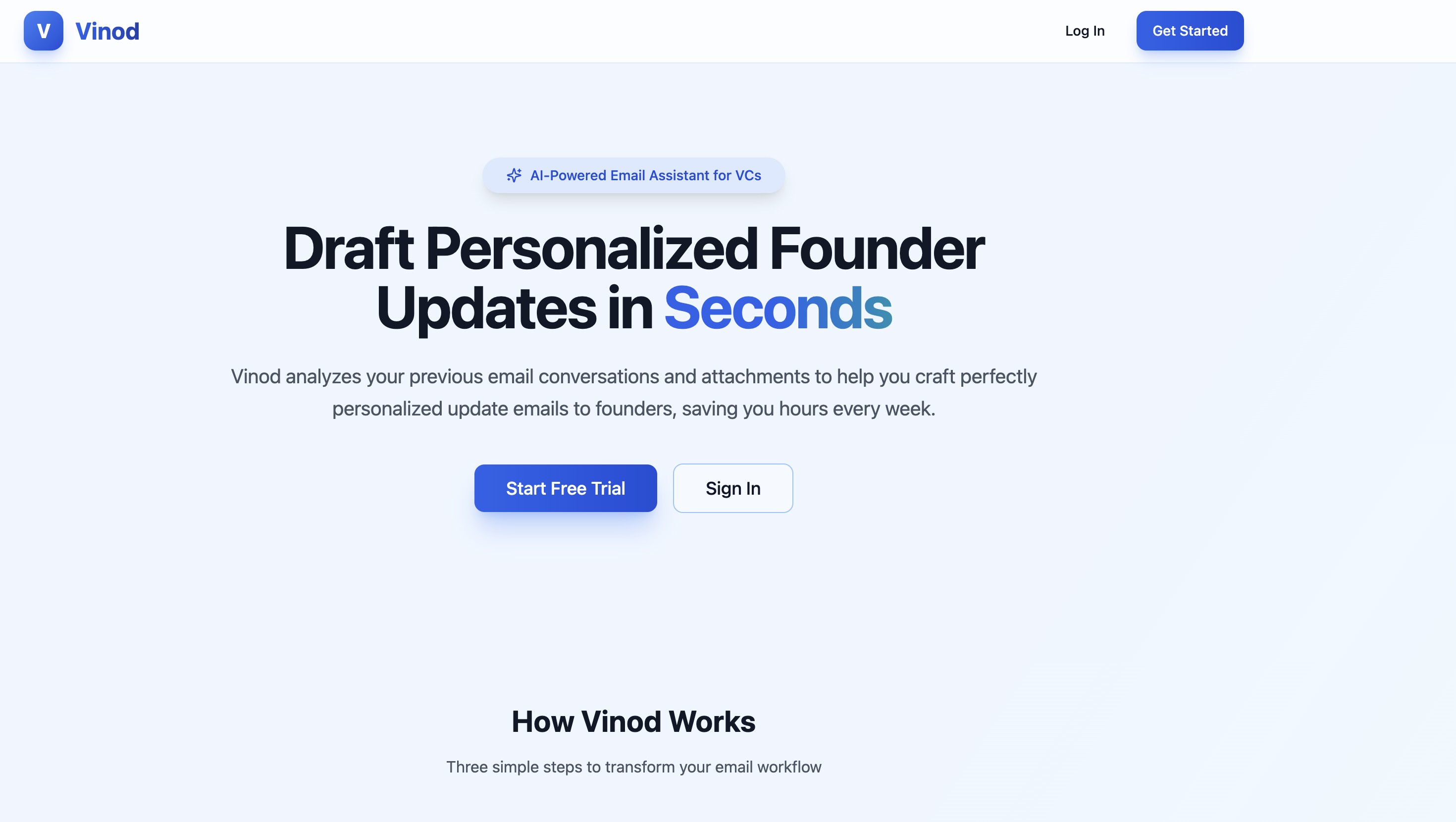
This email generator analyzes your Gmail history with each founder to draft contextual follow-ups. It reads past email threads and extracts text from PDF attachments like pitch decks. The system uses this context to generate personalized emails that reference specific details from your conversations. You can edit drafts before sending directly through Gmail from the interface.
Gmail integration for email history access, recipient search across past conversations, PDF attachment text extraction, email draft generation powered by GPT-5, customizable email instructions in settings, draft editing interface, and direct Gmail sending.
Founder relationships stay warm without hours spent reconstructing context. Personalization scales beyond the handful of founders you can manually track.
Prompts used to build this app
I want to create an app called vNode that helps VCs update emails to founders. When I open up this application, it should have some nice landing page and a button to register and log in. Once I log in, if I log in for the first time, I should have a button "connect your Gmail." Once I connect my Gmail and I come onto the homepage again, I should be able to search people that I talk to by their website. For example, if I talk to someone at Tesla, I should be able to start typing TES and it should show a dropdown with Tesla.com or other. Actually, no, it should show the actual emails that I talked to that have these letters. Basically, I should search for my recipients that I had previous conversations with on my Gmail. Actually, it doesn't have to be in real-time, it can be on enter. I put TES, press Enter, and it should give me results with all the people that have TES in their email that I exchanged emails before. I should be able to select them. Then it should pull all emails from my Gmail, and I should be able to select the emails that I want to draft an update email to. Once I select all the emails that they have sent me and I click "Generate Update Email," once I click Generate, it should send all these emails with attachments that have the text extracted. I want to support PDF documents, only PDF documents for now. Basically, when I click Generate, it should first gather all the PDF attachments, extract the textual data from them, and put all of that as context for the LLM. I want to use GPT-5 for this. Gather all the emails that this person sent me with the PDF attachments that are converted to text and make it really nice so it's coherent one after another. Add instructions for how to draft this email and ask the LLM GPT-5 from OpenAI to draft this email. Once it returns the response, show this response on the page. Also add a button "copy this text" so I should be able to just copy it and add it to my Gmail and just send this email. Actually, make it so that I can send from this interface, the email through my Gmail to that person. Also, make sure that I can edit this email as well. Finally, the instructions for how to draft this email based on my preferences: I want to have a settings page where I have a big text box where I can enter instructions for how I want my emails to look like. It will involve instructions, it will involve previous email examples, everything that the LLM needs to know to draft the email. Also, on the homepage, once I connect my Gmail, the user, once they log in for the first time, they should first connect their Gmail and add these instructions in the settings. Before these two are saved, don't show the whole ability to the user. Once the user connects to Gmail, they should see "okay, next you need to add your instructions." Once they add instructions, then they should be able to search for companies, select an email, see all their previous emails with this person, select specific emails, click generate, generate an update email. They should see the draft. They should be able to edit it and click send and through the email, this should be sent to this person. Also, add a subject line on the top.
Please make this look more modern and nicer, make it look more business-like for VCs and these kinds of things. I want it to look unique. Use bluish colors for the website and also implement the remaining pages. If any links page is missing, then the page that shows when the user logs in should be one page with connect Gmail and add instructions. Also make the header so that in the header I can go to the main page, main account page (let's call it that), or settings page.
Ok, this works great now! Please add a select all button so I can select all emails. By default, all emails should be selected.
Also, check which LLM we are using. I want to use the model "gpt-5." This model actually exists so don't question it and use it.
Also, it always says "Note: The selected emails don't contain any PDF attachments. Draft will be based on email content only" even though I selected emails with PDF attachments.
Please fix all of these.
The LLM now works but PDF is still not extracted. Please fix. Here is an example of how to use PDFParse:import fs from 'fs';import pdf from 'pdf-parse';
// Load your PDF file into a bufferconst dataBuffer = fs.readFileSync('example.pdf');
// Parse itpdf(dataBuffer).then(function(data) {console.log('Number of pages:', data.numpages);console.log('Number of rendered pages:', data.numrender);console.log('PDF Info:', data.info);console.log('PDF Metadata:', data.metadata);console.log('Text content:', data.text); // <- extracted text});
Don’t Miss Out


