SSL Certificate Expiry Monitor
SSL certificate expiration causes unexpected downtime
SSL certificates expire quietly. No built-in system warns you before it happens. Production sites go down because a certificate expired overnight. Customers see security warnings. Revenue stops while your team scrambles to renew and redeploy certificates. Tracking expiration dates manually across dozens or hundreds of domains doesn't scale. By the time you notice the problem, your site is already showing errors.
About this tool
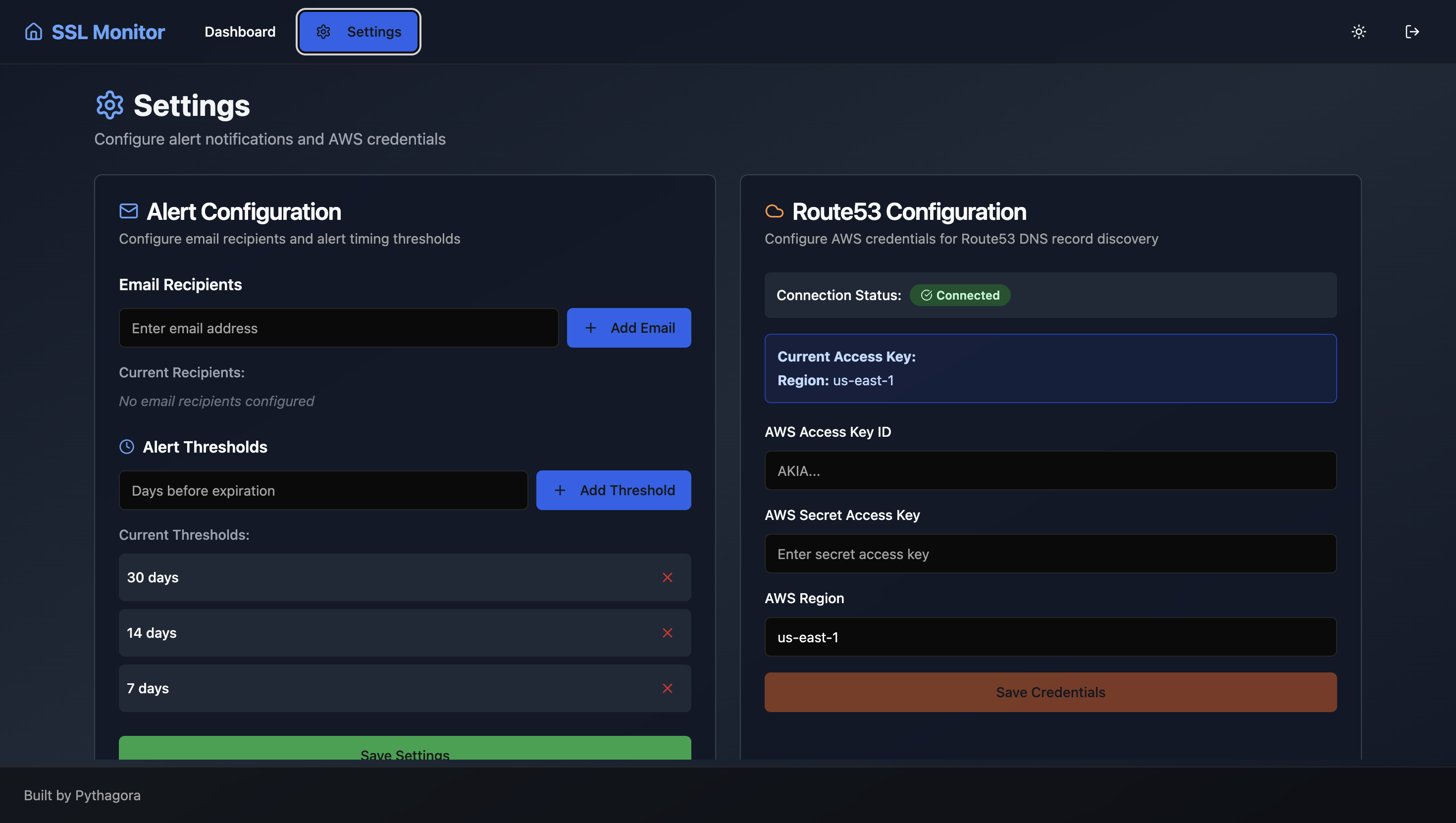
This monitor connects to Route53 and checks SSL certificates across your DNS records. The dashboard displays every certificate with expiration dates and remaining days. Sort by urgency to see which certificates expire first. Set email alerts at custom intervals before expiration.
Route53 integration for DNS record access, automatic SSL certificate extraction and validation, expiration date tracking across all domains, sortable dashboard by days remaining, customizable email alerts via Postmark, hourly certificate checks, admin settings for alert configuration, and support for thousands of DNS records with pagination.
Certificate expiration stops causing surprise downtime. Email alerts give you days or weeks of warning. The dashboard shows which certificates need renewal at a glance. Teams handle renewals proactively instead of reactively. Production sites stay online because expiration never sneaks up on you.
Prompts used to build this app
I want to create an app that will connect to my Route53 and get all DNS records that have star.deployments.pytegra.ai and for each of those deployments check SSL certificates by extracting the SSL certificate from that DNS and manage and show all of the domains and when the certificates expire. On the homepage I want to see a list of all deployments of all DNS records with the date when they expire and another column that shows how many days until that date. They need to be sorted by date. The top one needs to be the first one that will expire. On the top of that page I want to show a big number: how many days until the first deployment expires and the number of deployments that will expire in the next month. Also, I want to have an admin settings page where I want to be able to set alerts. For each I should be able to set any number of emails who will get the alerts. I should be able to set alerts how many days before deployment expires will the emails go out. And that's pretty much it. For email sending I want to use Postmark. And that's that.
Don’t Miss Out


